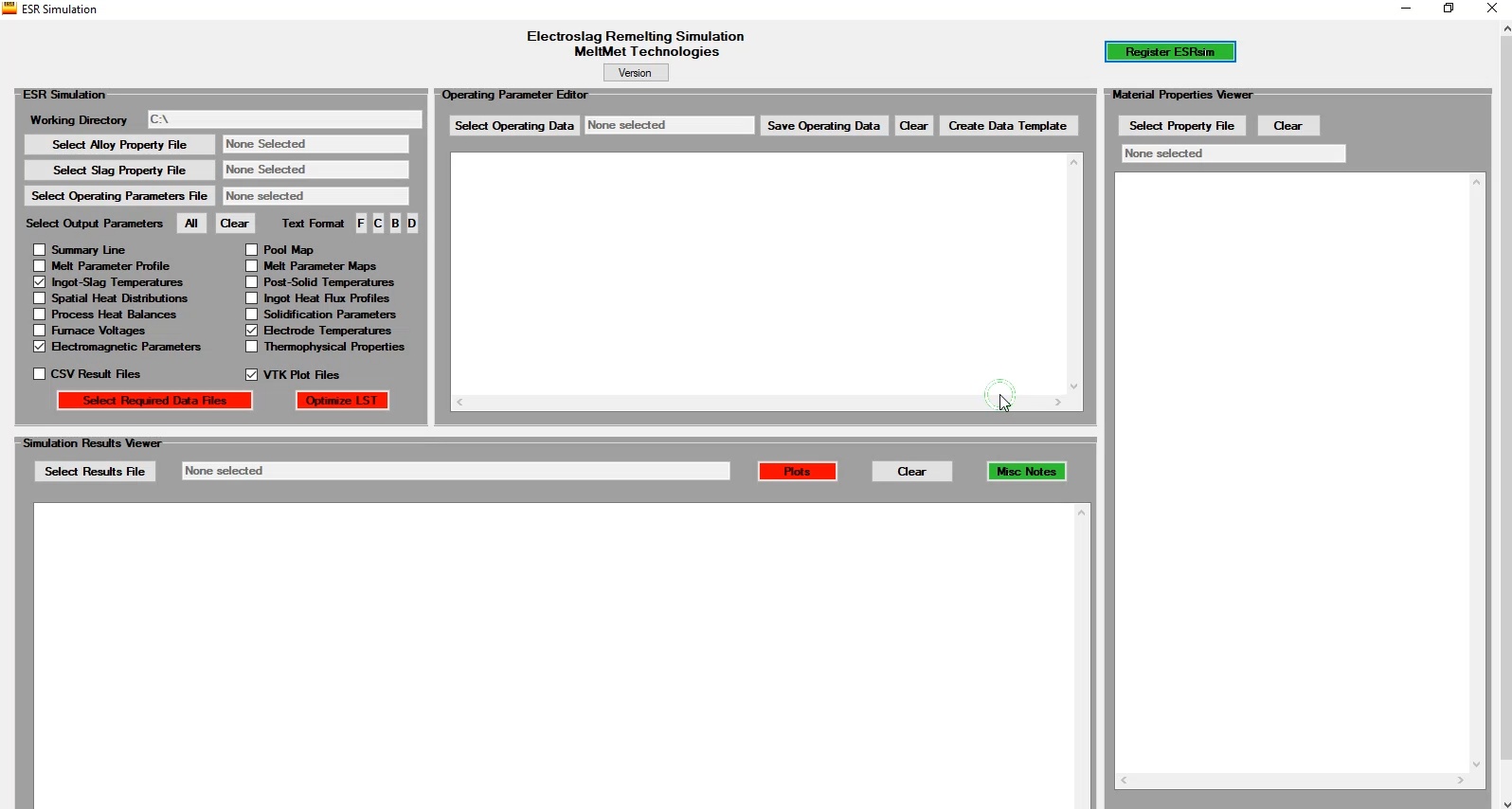
The series of videos on this page provide some basic instructions on the use of the remelt simulators. Topics listed below may be accessed by clicking on the desired item.
Introduction

This video describes the steps for an initial or subsequent ESR simulation using ESRsim.
Data files

Common Elements
This video examines a typical data file, reviewing data elements that are common between all simulators.
Melt Profile and Output Schedule
This video describes the elements of a melt profile applicable to all simulators, and explains the methods of specifying the output results schedule.

Heat Source Parameters
This video describes the required heat source parameters for both ESR and VAR simulations.
Electrical Configuration
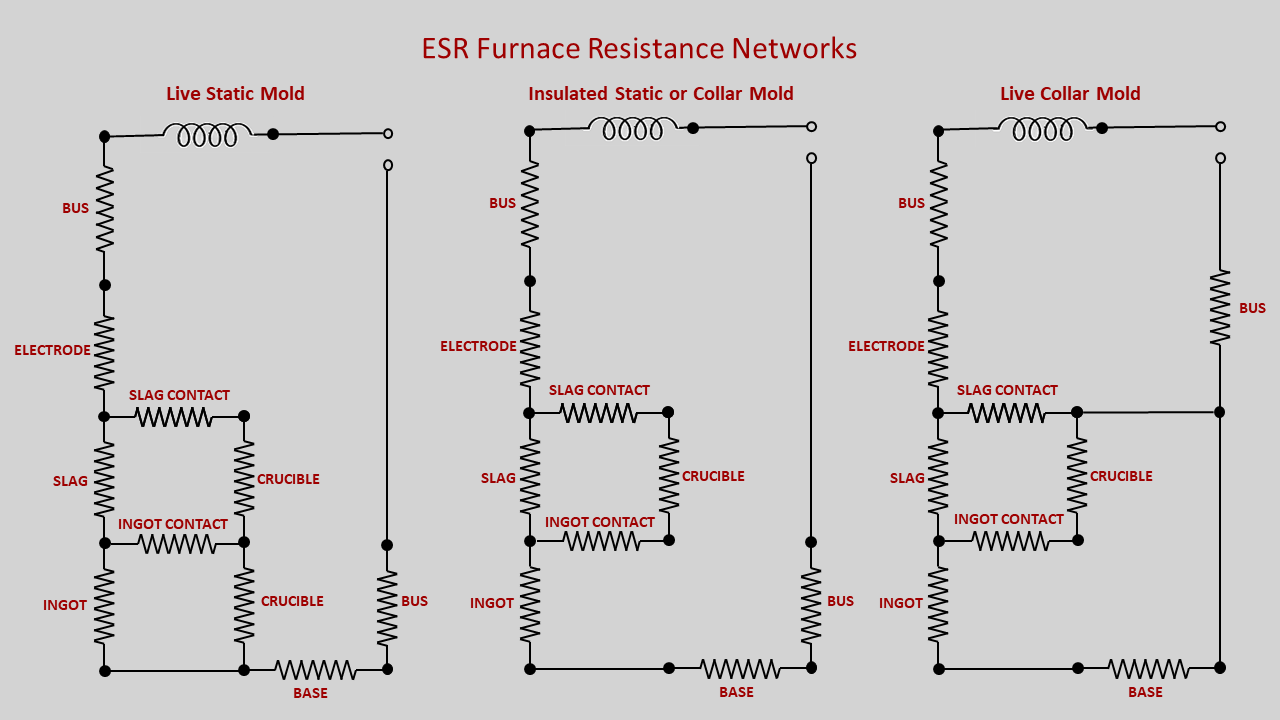
This video describes the electrical configuration choices for both ESR and VAR simulations, and the relevant data in the respective data files.
Results files
This video will offer an explanation of the types of result files that can be generated from a simulation.
ParaView plots
This video will demonstrate the use of ParaView to generate selected plots from simulation result files.
Local solidification time optimization
This video will demonstrate the use of the optimization feature which will perform multiple simulations to generate results to assist in choosing a melt rate to minimize the local solidification time.